Microsoft 365 AI, 3 levels

Microsoft Word with AI courses
in Cardiff, in-house or online.

Create professional documents faster with Word's AI tools, from the basics to macros and templates.

Levels
3 courses
Duration
1 day each
Price
£195 per person
Next public date
5 October 2026
// Course levels

Choose your level.

Each level is a one-day course. Pick a level to see what it covers and book a public date.

Beginner level

Microsoft Word Beginner course

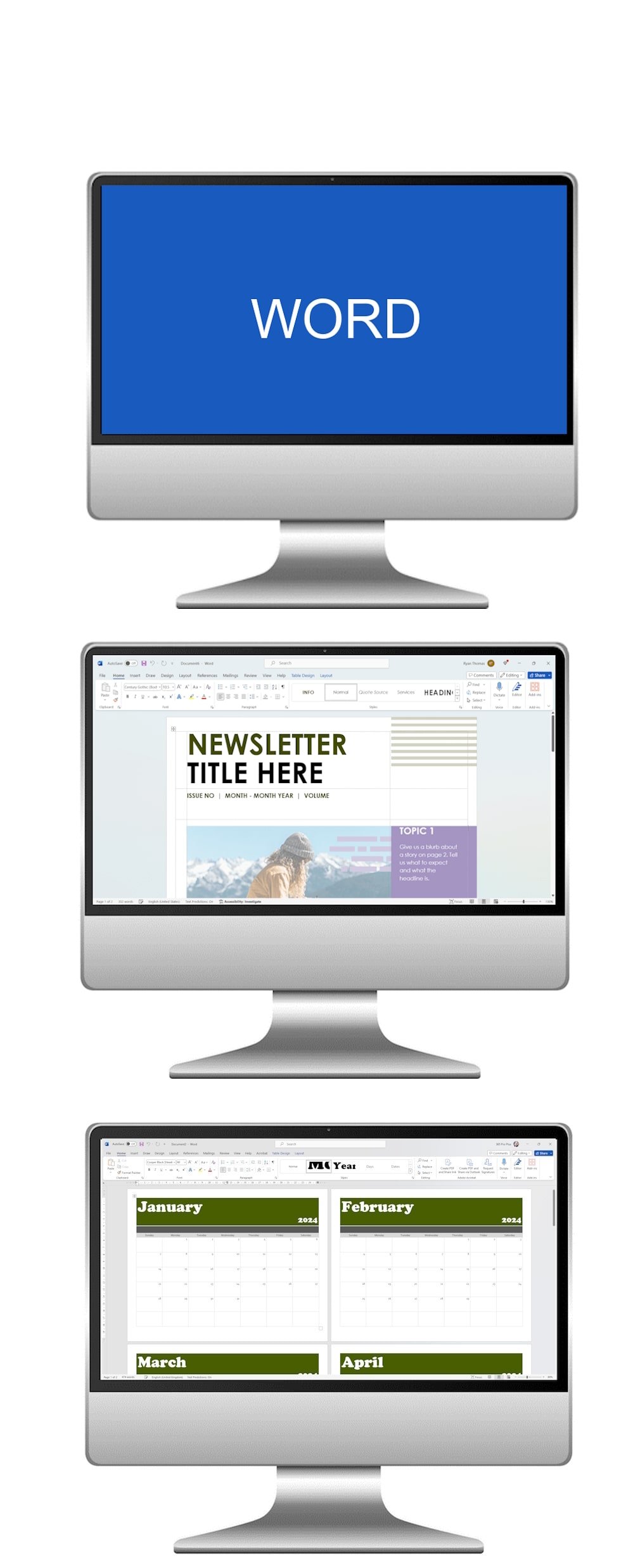
Begin your journey into the world of digital documents with our Microsoft Word Beginner AI Course. Perfect for newcomers, this course introduces the essential tools and AI-powered features of Word, helping you build the confidence to create, edit, and format professional documents with ease.
Microsoft Word Beginner course

What the course covers

  1. Module 1

    Fundamentals of Word Processing with AI Support

    Get started with Microsoft Word by learning navigation, document creation, and the core features of the interface. Discover how built-in AI tools, such as predictive text and grammar suggestions, can assist you in creating polished content faster.

  2. Module 2

    Document Formatting, Styling, and AI Design

    Learn how to transform plain text into professional documents. Explore fonts, styles, alignment, and layouts, while also using AI-powered design suggestions that help improve readability and visual impact.

  3. Module 3

    Practical Applications with AI Guidance

    Put your new skills into practice by creating real-world documents such as letters, resumes, and reports. Leverage AI features like Editor and Designer to ensure accuracy, clarity, and style consistency in every document.

By the end of this course, you’ll not only master the basics of Microsoft Word, but also understand how to use AI-driven tools to save time, improve quality, and create professional results with confidence.

The Microsoft Word Beginner Course was an excellent introduction, providing clear and hands-on instruction that equipped me with fundamental skills, ensuring I can confidently navigate and create documents in Microsoft Word for various personal and professional needs.
David
Intermediate level

Microsoft Word Intermediate course

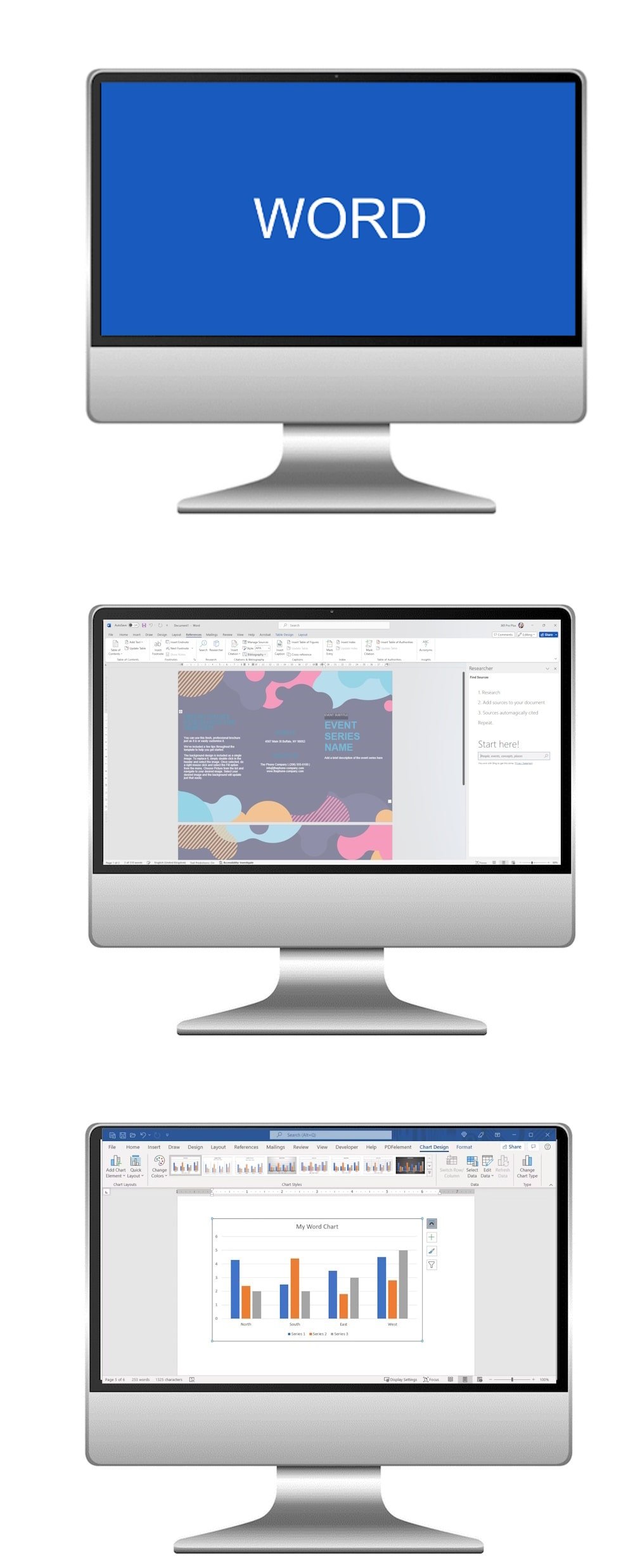
Elevate your Microsoft Word skills with our Intermediate AI Course. Designed for users with a basic understanding of Word, this course explores advanced features and AI-driven tools that enhance document creation, collaboration, and productivity. Learn how to work smarter, not harder, with AI assistance.

Microsoft Word Intermediate course

What the course covers

  1. Module 1

    Advanced Formatting with AI Suggestions

    Explore in-depth formatting tools including styles, themes, and templates. Leverage AI-powered design suggestions to ensure your documents look polished, professional, and visually appealing.

  2. Module 2

    Collaborative Editing with AI Assistance

    Learn to collaborate seamlessly using track changes, comments, and version control. Discover how AI features can help summarise edits, suggest improvements, and maintain consistency across team documents.

  3. Module 3

    Mail Merge and Automation with AI

    Master mail merge to personalise mass documents efficiently. Use AI-powered tools to automate repetitive tasks, speed up document creation, and improve accuracy in your projects.

By the end of this course, you’ll not only be proficient in intermediate Word skills but also know how to harness AI tools to optimise your workflow, streamline collaboration, and create high-quality documents effortlessly.

The Microsoft Word course provided a comprehensive and insightful exploration of the application, equipping me with versatile skills to enhance document creation, formatting, and collaboration in both personal and professional settings.

Stephen, BCBC
Advanced level

Microsoft Word Advanced course

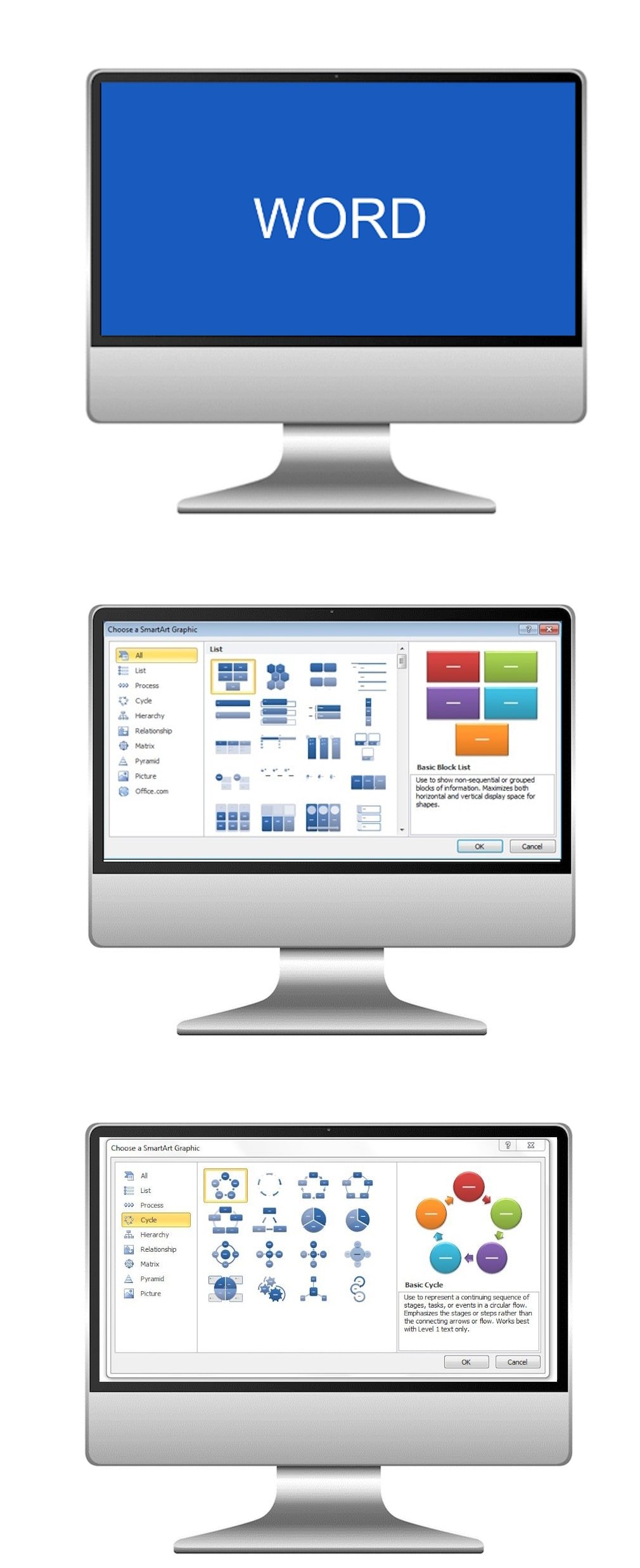
Unlock the full potential of Microsoft Word with our Advanced AI Course. Designed for users with a solid understanding of Word, this course teaches you how to leverage AI-powered tools, advanced features, and customisation options to maximise efficiency, creativity, and accuracy in document creation and management.

Microsoft Word Advanced course

What the course covers

  1. Module 1

    Advanced Document Management with AI

    Explore advanced organisation, version control, and collaboration features. Learn how AI tools can help summarise edits, track changes intelligently, and maintain consistency across complex documents.

  2. Module 2

    Mastering Styles, Templates, and AI Design

    Delve into styles, templates, and advanced formatting options. Use AI-powered design suggestions to create visually stunning, professional, and consistently styled documents that save time and impress your audience.

  3. Module 3

    Macros, Automation, and AI Productivity Tools

    Automate repetitive tasks with macros and explore AI-assisted features to streamline workflows, check grammar and style, and optimise document creation for maximum productivity.

By the end of this course, you’ll have mastered advanced Microsoft Word skills and learned how to harness AI tools to create professional, efficient, and high-impact documents with ease.

The Microsoft Word AI Course surpassed expectations, offering a well-rounded curriculum that delved into the advanced features and functionalities of Word, empowering me with a robust skill set to optimise document creation, editing, and collaboration for diverse projects.

Kevin, NHS Cardiff
// Who these courses are for

Who these courses are for.

These courses in Microsoft Word are ideal for individuals seeking to enhance their digital skills. Whether you are a beginner looking to grasp the fundamentals, an intermediate user aiming to refine your document creation abilities, or an advanced user wanting to unlock the full potential of Microsoft Word, our courses cater to a diverse range of learners. So join us to boost your proficiency and confidence in Microsoft Word for personal, academic, or professional pursuits.

Master the art of document creation and optimisation with our Microsoft Word AI Course, where you will delve into essential formatting techniques and advanced features, ensuring you produce professional and impactful documents effortlessly.

In-house training delivered at a client's workplace

Run this course for your team

We can deliver Microsoft Word with AI at your workplace, or live online. Private courses use examples from your own work, run on dates that suit you, and every delegate gets a course pack. There are no hidden costs.

Ask about an in-house course →
// Common questions

Frequently asked questions.

Which level should I choose?
We run 3 one-day Microsoft Word with AI courses: Beginner, Intermediate and Advanced. Beginner: new to the software. Intermediate: know the basics. Advanced: confident users. If you're unsure, contact us and we'll recommend the right starting point.
How much do the courses cost?
Each course runs for one day and public places are £195 per person. Private courses for your team are quoted on request.
Can you run these courses for our team at our workplace?
Yes. We deliver in-house at your offices in Cardiff, across Wales and throughout the UK, for groups from one to over fifty people, with exercises based on your own work.
Are the courses available online?
Yes. Every level can run as a live, trainer-led online session.
Can we combine levels into a programme?
Yes. Many teams take two or more levels back to back, or mix levels across a department after a short skills review.
// Get started

Tell us what your team needs to learn.

A short call is enough for us to recommend a course or put together a programme and a quote.