Microsoft Project Beginner course
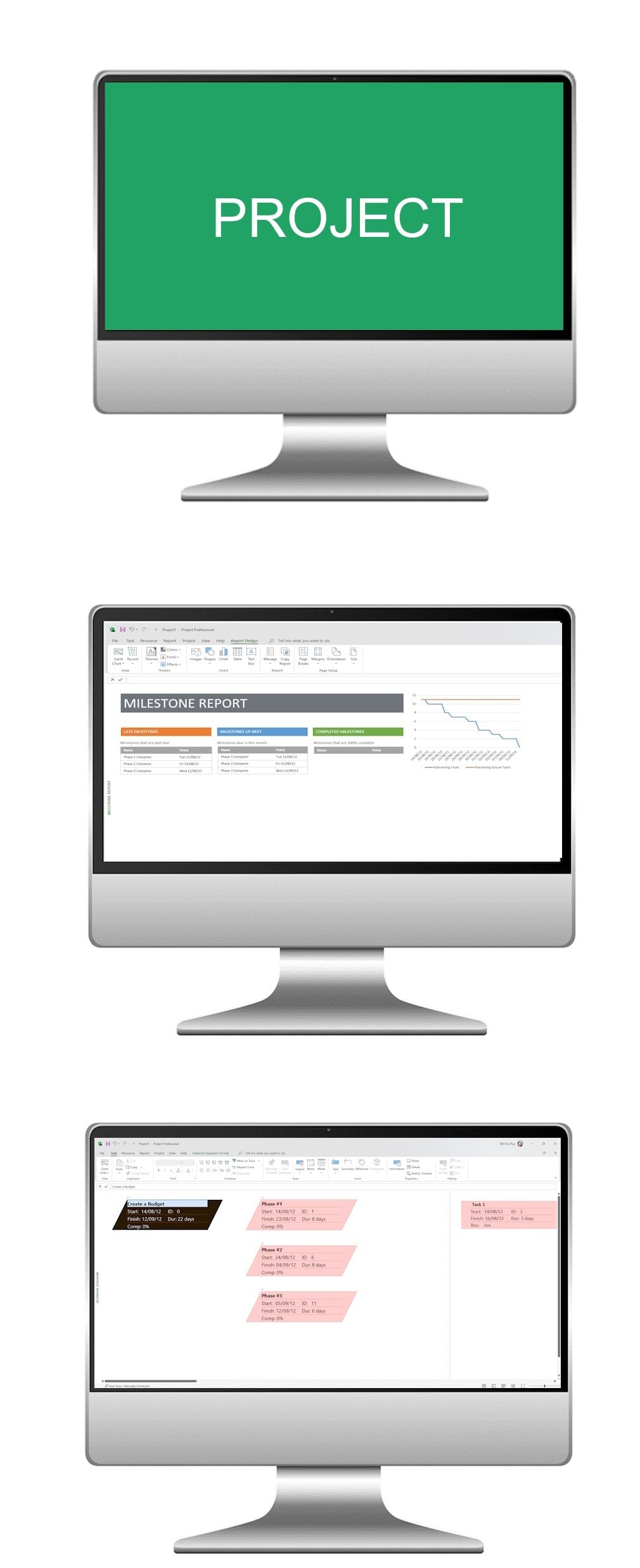
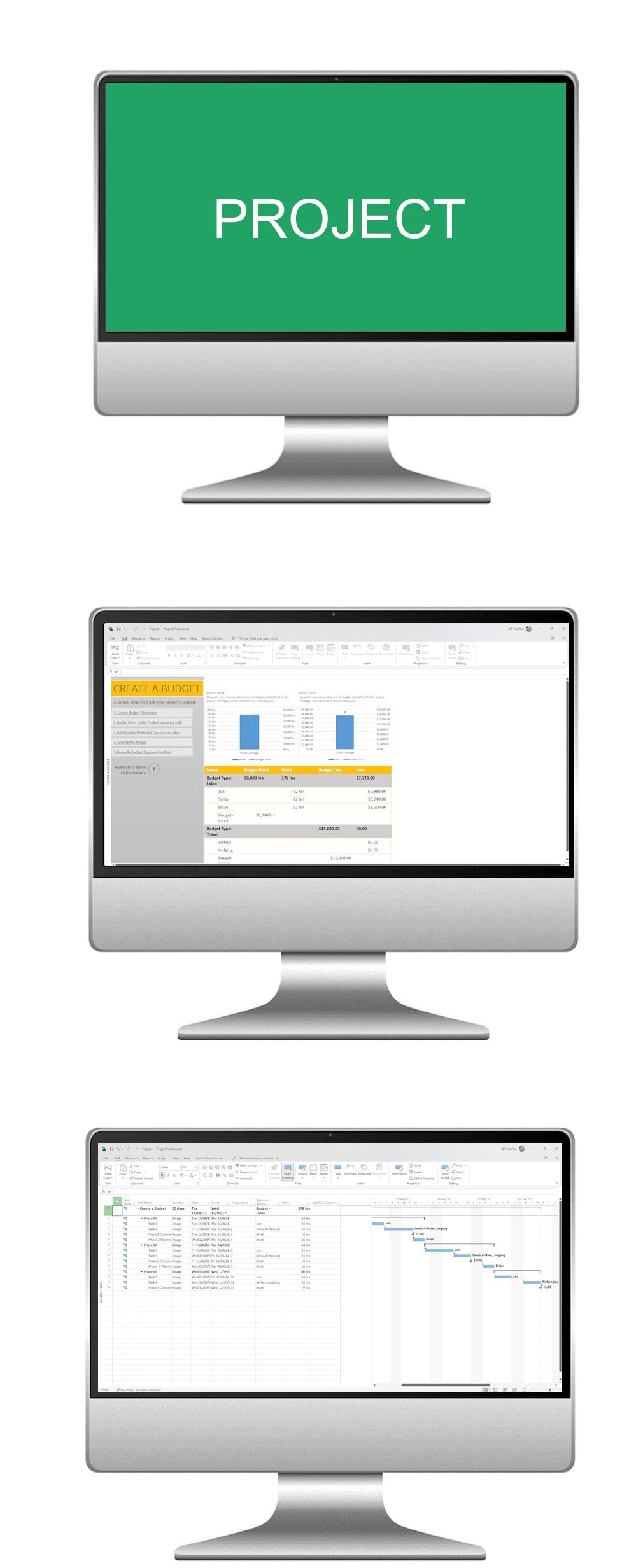
Take your first step into the world of project management with our Microsoft Project Beginner AI Course. Perfect for newcomers, this course introduces the core tools of Microsoft Project and shows how AI-driven features can simplify planning, scheduling, and resource management. By the end of the course, you’ll be ready to manage projects with confidence and clarity, using intelligent tools that make your work smarter, not harder.
What the course covers
- Module 1
Introduction to Project Planning
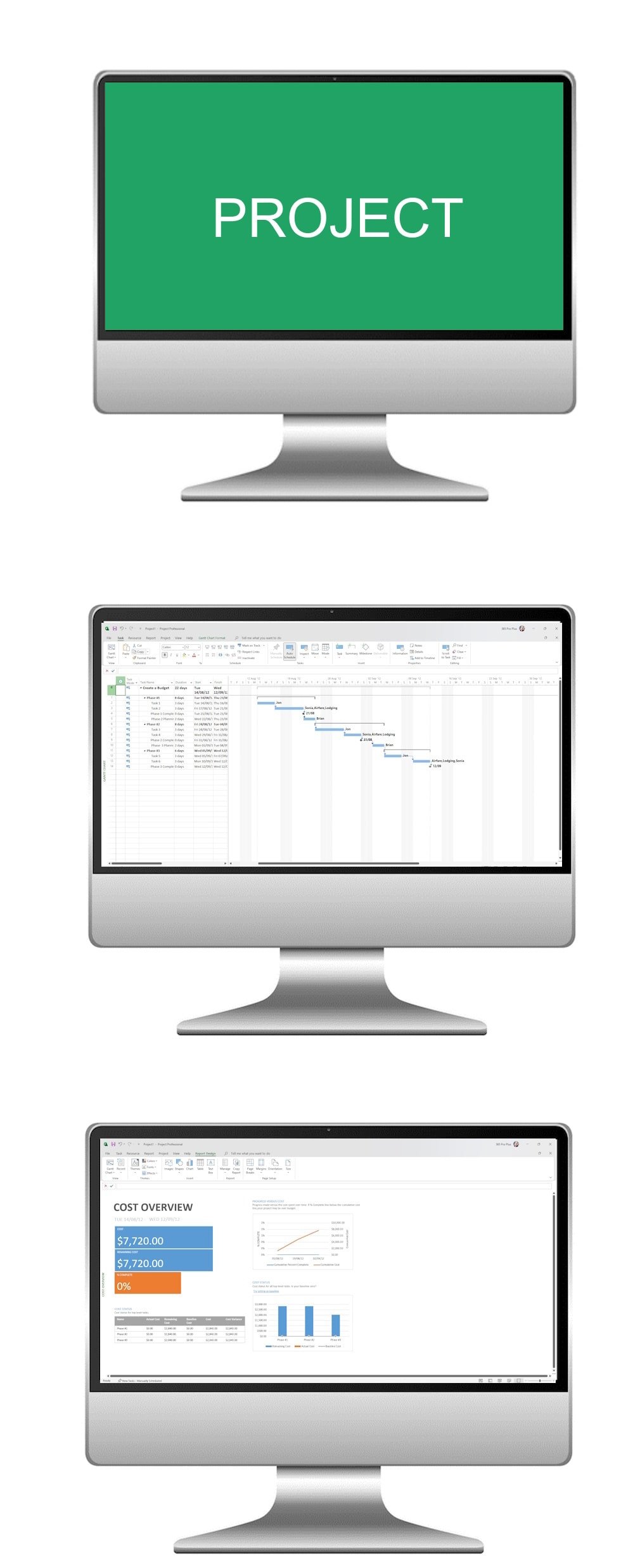
Build a strong foundation in project planning principles. Learn how to create tasks, schedule timelines, and allocate resources in Microsoft Project. Discover how AI can suggest task breakdowns, optimise schedules, and highlight risks early in the planning phase.
- Module 2
Task Dependencies and Critical Path Analysis
Understand how to link tasks, define dependencies, and calculate the critical path. Explore how AI can forecast potential bottlenecks, simulate alternative schedules, and provide real-time insights to keep your project on track.
- Module 3
Resource Management and Tracking
Learn to allocate resources, monitor progress, and manage project costs effectively. See how AI can predict resource conflicts, suggest reassignments, and automatically generate progress updates to streamline tracking and reporting.
By completing this course, participants will gain the essential skills for project planning and control, while also discovering how AI tools can enhance accuracy, efficiency, and decision-making throughout the project lifecycle.
The Microsoft Project AI Course provided a thorough and practical education, equipping me with valuable skills to effectively plan, manage, and execute projects, enhancing my proficiency in using Microsoft Project for streamlined project management.