Microsoft 365 AI, 3 levels

Microsoft SharePoint with AI courses
in Cardiff, in-house or online.

Organise, share and automate with SharePoint, from document libraries to site administration.

Levels
3 courses
Duration
1 day each
Price
£195 per person
Next public date
5 October 2026
// Course levels

Choose your level.

Each level is a one-day course. Pick a level to see what it covers and book a public date.

Beginner level

Microsoft SharePoint Beginner course

Start your journey into collaborative workspaces with our Microsoft SharePoint Beginner AI Course. Perfect for newcomers, this course introduces the essentials of SharePoint, enabling participants to organise, manage, and collaborate on documents with ease. With AI-enhanced guidance, you’ll learn how to build efficient document libraries, streamline communication, and lay the foundations for smarter team collaboration.
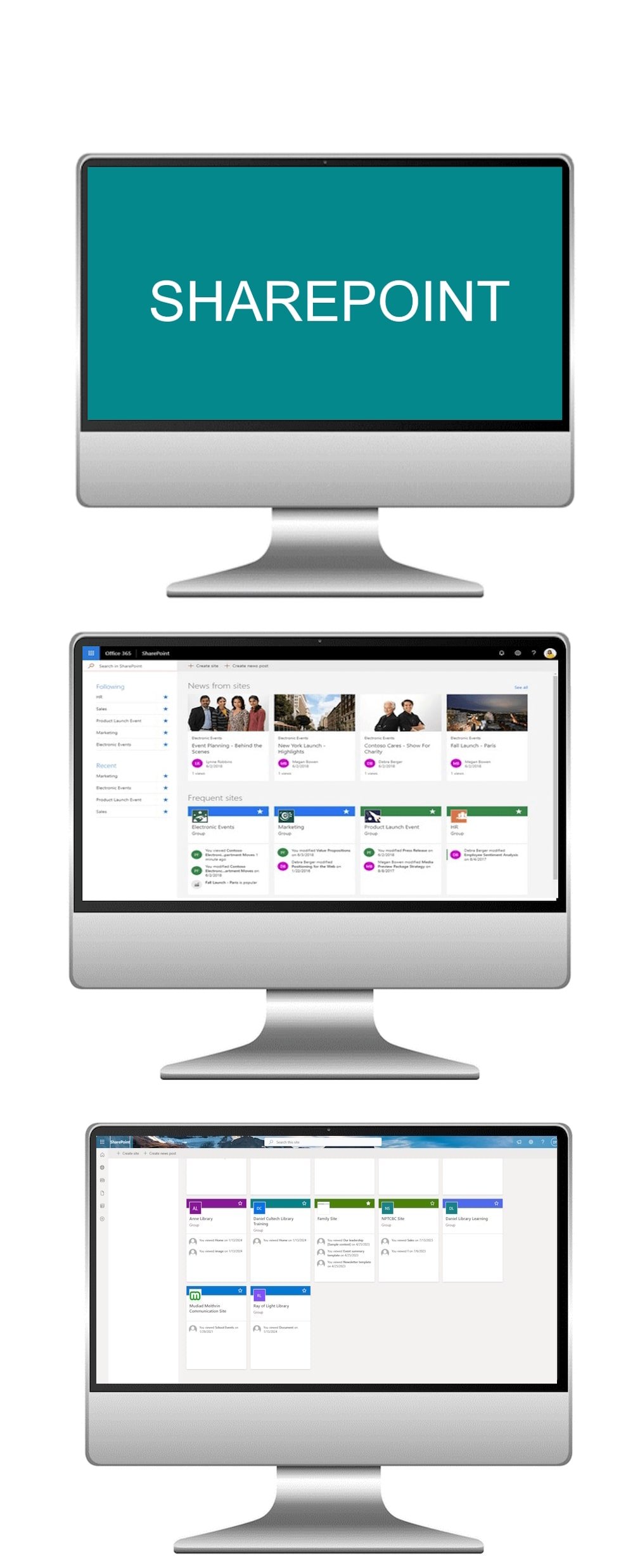
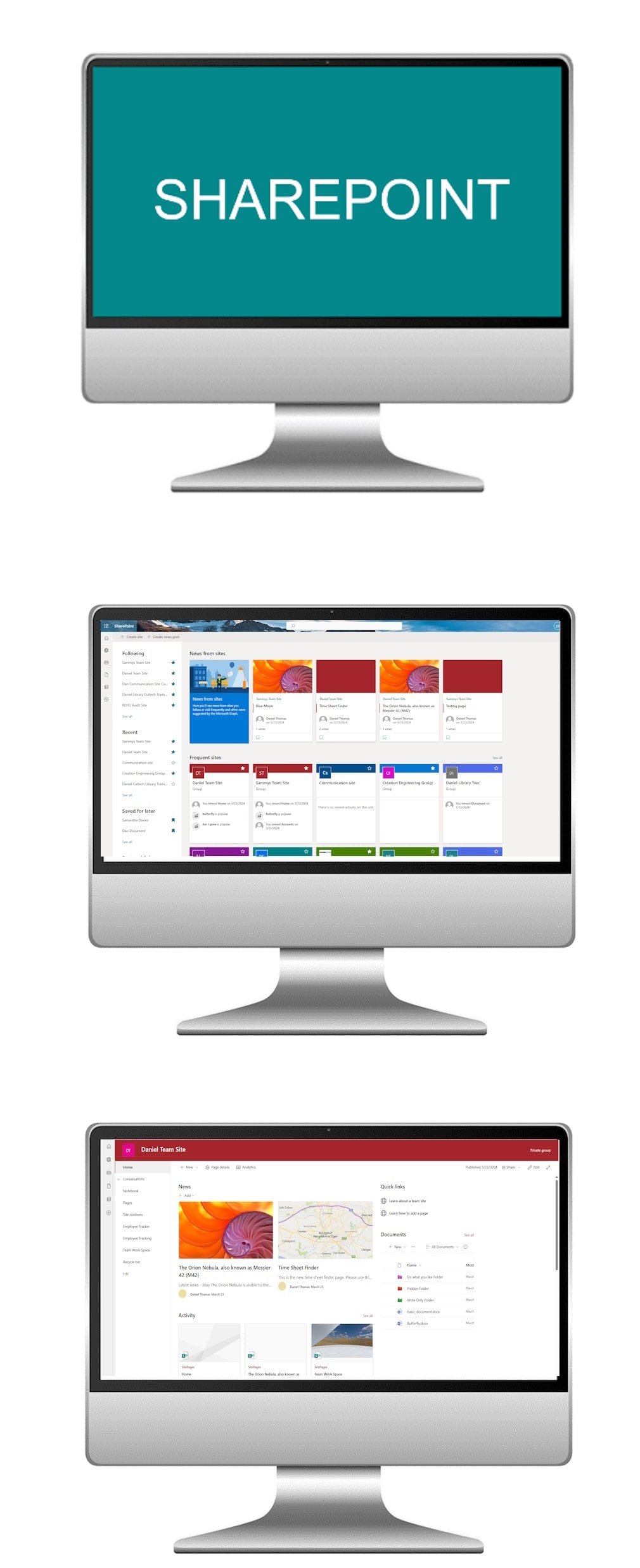
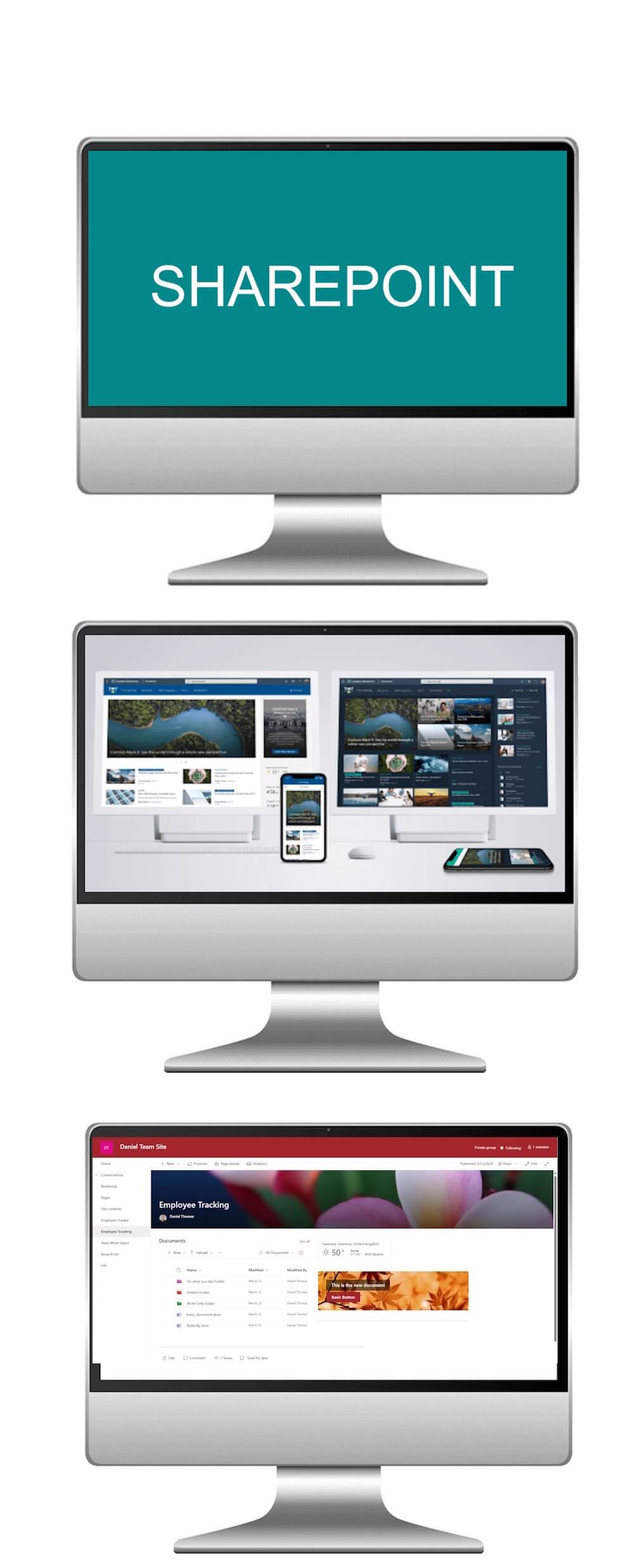
Microsoft SharePoint Beginner course

What the course covers

  1. Module 1

    Understanding SharePoint Basics

    Gain a strong introduction to SharePoint’s key features, including document libraries, lists, and permissions. Learn how to confidently navigate the SharePoint environment and set up the building blocks of a collaborative workspace.

  2. Module 2

    Document Versioning and Co-authoring

    Discover document collaboration tools such as version control and real-time co-authoring. See how AI can simplify tracking changes, prevent duplication, and ensure document integrity across teams.

  3. Module 3

    Practical Application

    Put your knowledge into practice through interactive, hands-on exercises. Learn to create and manage document libraries, assign permissions, and customise basic SharePoint sites to fit your team’s needs. Explore how AI can suggest structure improvements and automate repetitive tasks for greater efficiency.

By completing this beginner course, participants will gain the confidence to manage SharePoint effectively and start harnessing AI-driven collaboration tools for smarter teamwork and streamlined document management.

The Microsoft SharePoint course was an invaluable experience, offering clear and hands-on instruction that equipped me with the skills to effectively implement and customise SharePoint solutions, transforming the way we collaborate and share information within our organisation.
Course delegate
Intermediate level

Microsoft SharePoint Intermediate course

Take your SharePoint skills to the next level with our Microsoft SharePoint Intermediate AI Course. Designed for those who already understand the basics, this course explores advanced features and AI-enhanced techniques to help you optimise document organisation, customise SharePoint sites, and streamline business processes with intelligent automation. By the end, you’ll be ready to transform your SharePoint environment into a powerful collaboration hub.

Microsoft SharePoint Intermediate course

What the course covers

  1. Module 1

    Advanced Document Library Management

    Unlock the full potential of document libraries by using metadata, content types, and advanced workflows. Learn how AI can suggest classifications, automate tagging, and improve searchability, ensuring documents are always easy to find and well-organised.

  2. Module 2

    Customising SharePoint Sites

    Go beyond the basics of site design. Discover how to tailor layouts, add and configure web parts, and align SharePoint sites with specific team or project needs. Explore how AI-driven recommendations can guide site optimisation for maximum usability and engagement.

  3. Module 3

    Automating Business Processes

    Learn how to design and implement workflows that automate repetitive tasks such as document reviews, approvals, and notifications. Harness the power of AI to build smarter workflows that adapt to user behaviour and streamline collaboration across your organisation.

This course equips participants with the tools and AI-driven strategies to optimise SharePoint usage, delivering efficiency, scalability, and a smarter collaboration experience for teams.

The Microsoft SharePoint course exceeded expectations, providing a well-structured and insightful journey into the world of SharePoint, offering practical insights that have significantly improved our team's efficiency in content management and collaboration.

Course delegate
Advanced level

Microsoft SharePoint Advanced course

Unlock the full potential of Microsoft SharePoint with our Advanced AI Course. Designed for experienced users, this course goes beyond the fundamentals to explore advanced administration, intelligent data analysis, and custom app development. You’ll learn how to harness AI-driven features and cutting-edge integrations to transform SharePoint into a powerful platform for enterprise collaboration, automation, and decision-making.

Microsoft SharePoint Advanced course

What the course covers

  1. Module 1

    Advanced Site Administration

    Take control of SharePoint at the highest level. Master site collection management, advanced permission strategies, and site policies to ensure security, compliance, and scalability. Discover how AI can monitor usage patterns and recommend optimisations for governance and user experience.

  2. Module 2

    Intelligent Data Insights with SharePoint

    Move beyond document management by transforming SharePoint into a data-driven hub. Learn how to integrate Power BI for interactive dashboards, use Excel Services for advanced analysis, and apply AI tools to uncover trends, automate reporting, and enhance data-driven decision making.

  3. Module 3

    SharePoint App Development and Automation

    Expand SharePoint’s capabilities by building and integrating custom applications. Explore Power Apps, Power Automate, and third-party solutions to design intelligent workflows, automate complex business processes, and deliver tailored solutions that adapt to your organisation’s needs.

By the end of this course, you’ll be equipped with the expertise to manage, customise, and extend SharePoint at an enterprise level, leveraging AI and automation to maximise productivity and collaboration.

The Microsoft SharePoint course provided a comprehensive and practical exploration, enabling me to harness the full potential of SharePoint for seamless collaboration, document management, and enhanced team productivity.

Course delegate
// Who these courses are for

Who these courses are for.

These Microsoft SharePoint courses cater to individuals across diverse professional backgrounds, whether you are a beginner aiming to streamline collaborative document management, an intermediate user seeking to enhance team collaboration and customisation, or an advanced professional ready to master complex features, app development, and security measures in SharePoint. Ideal for businesses, project teams, and professionals in various industries, these courses provide tailored expertise to optimise document management, boost collaboration, and streamline business processes. Join us to harness the full potential of Microsoft SharePoint and contribute effectively to your team's success and organisational objectives AI.

Discover the collaborative possibilities of Microsoft SharePoint with our dedicated courses, where you will gain expertise in document management, collaboration tools, and workflow automation, empowering your organisation for enhanced efficiency and seamless teamwork.

In-house training delivered at a client's workplace

Run this course for your team

We can deliver Microsoft SharePoint with AI at your workplace, or live online. Private courses use examples from your own work, run on dates that suit you, and every delegate gets a course pack. There are no hidden costs.

Ask about an in-house course →
// Common questions

Frequently asked questions.

Which level should I choose?
We run 3 one-day Microsoft SharePoint with AI courses: Beginner, Intermediate and Advanced. Beginner: new to the software. Intermediate: know the basics. Advanced: confident users. If you're unsure, contact us and we'll recommend the right starting point.
How much do the courses cost?
Each course runs for one day and public places are £195 per person. Private courses for your team are quoted on request.
Can you run these courses for our team at our workplace?
Yes. We deliver in-house at your offices in Cardiff, across Wales and throughout the UK, for groups from one to over fifty people, with exercises based on your own work.
Are the courses available online?
Yes. Every level can run as a live, trainer-led online session.
Can we combine levels into a programme?
Yes. Many teams take two or more levels back to back, or mix levels across a department after a short skills review.
// Get started

Tell us what your team needs to learn.

A short call is enough for us to recommend a course or put together a programme and a quote.