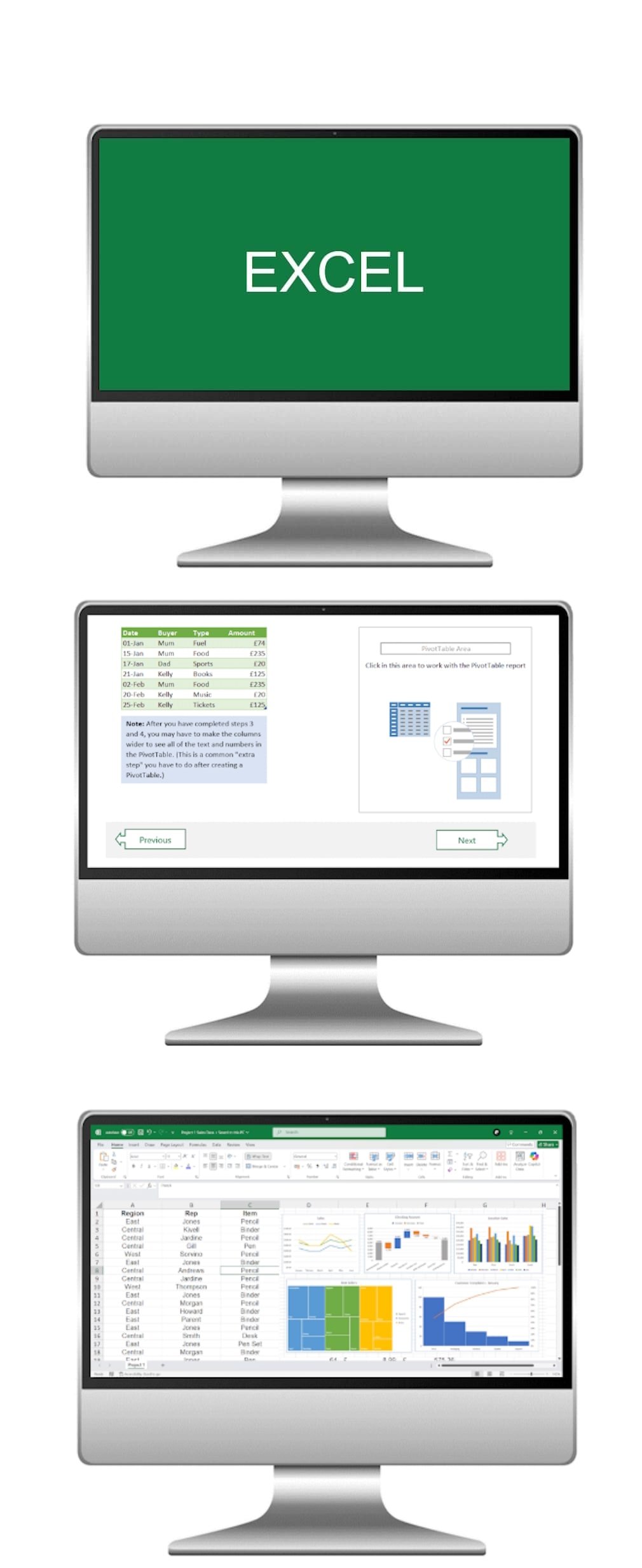
Microsoft Excel Beginner course
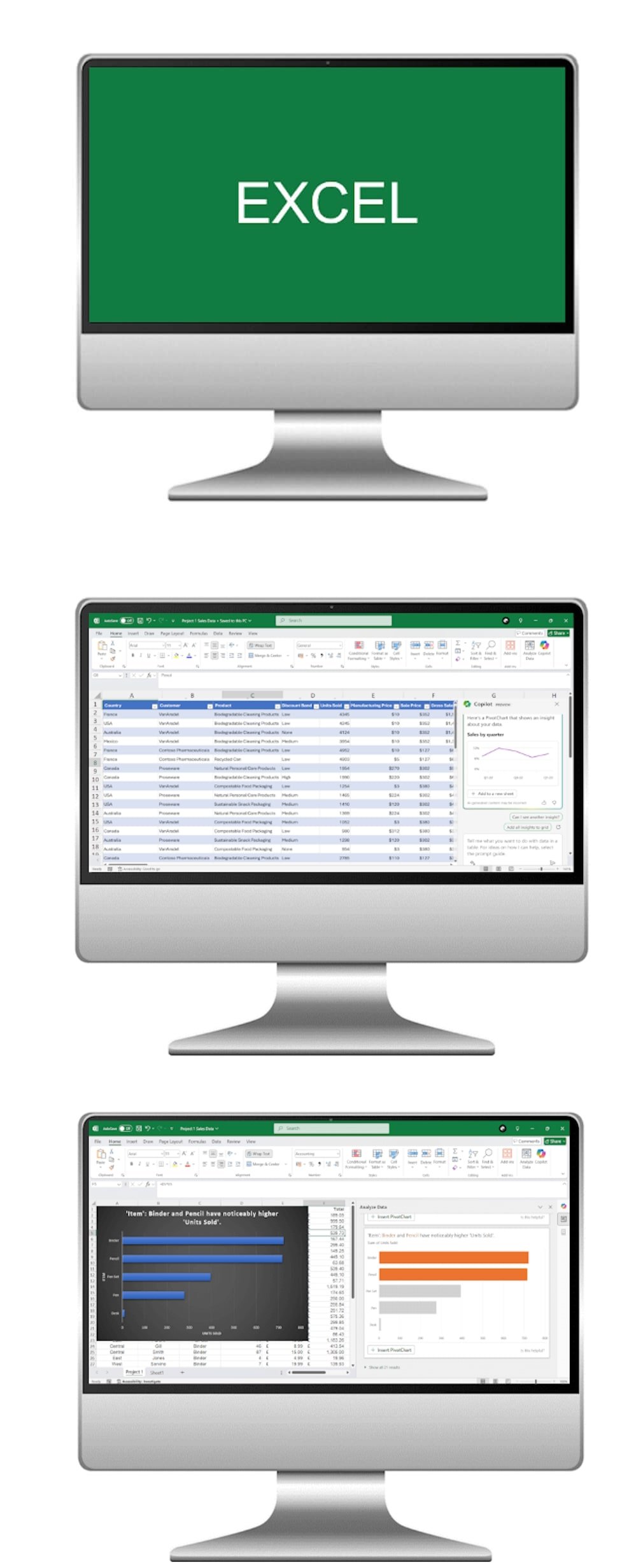
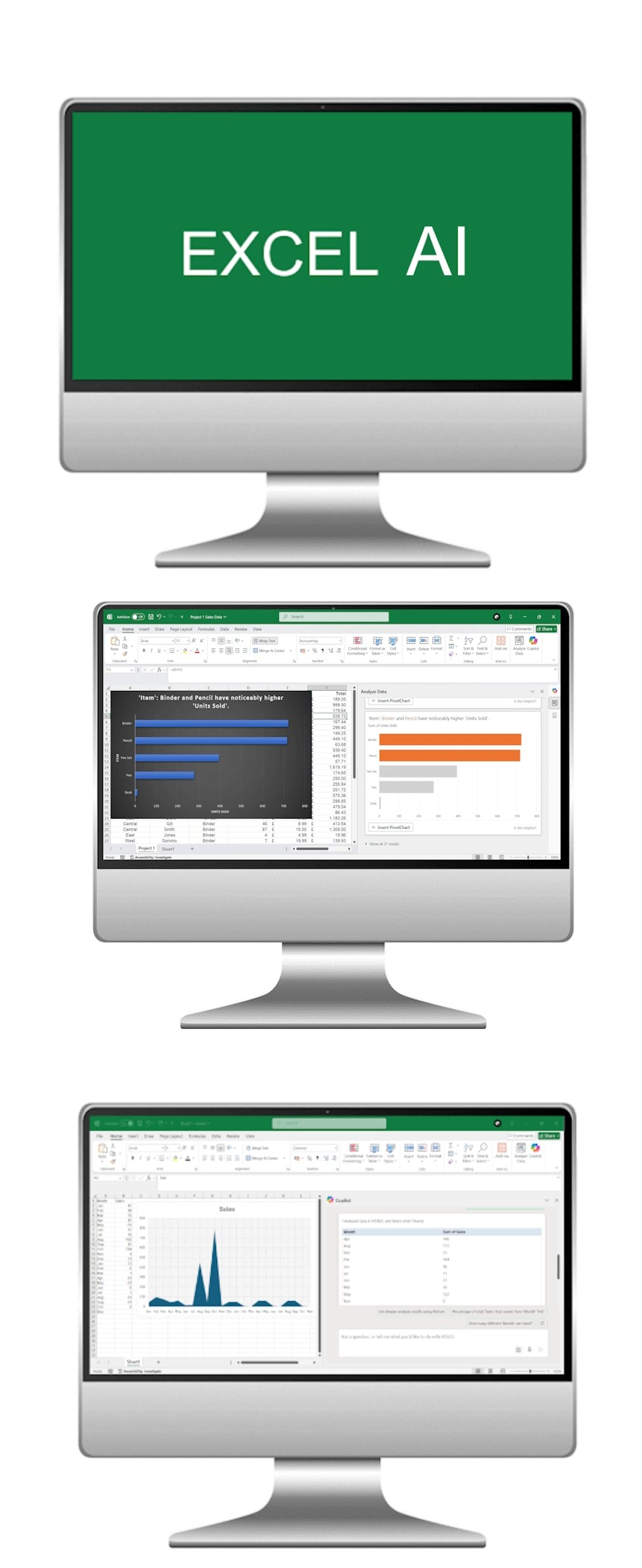
Start your journey into spreadsheet mastery with our Microsoft Excel Beginner AI Course. Designed for those new to Excel, this course not only covers the core skills of spreadsheet use but also introduces how AI-powered tools can support data entry, analysis, and reporting. Participants will learn to confidently navigate Excel, input data, perform essential calculations, and explore how AI can enhance efficiency in everyday tasks.
What the course covers
- Module 1
Excel Basics and Navigation
Develop a strong understanding of Excel fundamentals, including cell formatting, data entry, and basic formula usage. Learn how AI assistance can speed up navigation, suggest shortcuts, and automate repetitive actions.
- Module 2
Basic Formulas and Functions
Master foundational formulas and functions such as SUM, AVERAGE, and VLOOKUP. Discover how AI can help identify the right formula for your needs, check for errors, and guide you through applying calculations to real-world scenarios.
- Module 3
Data Visualisation with Charts
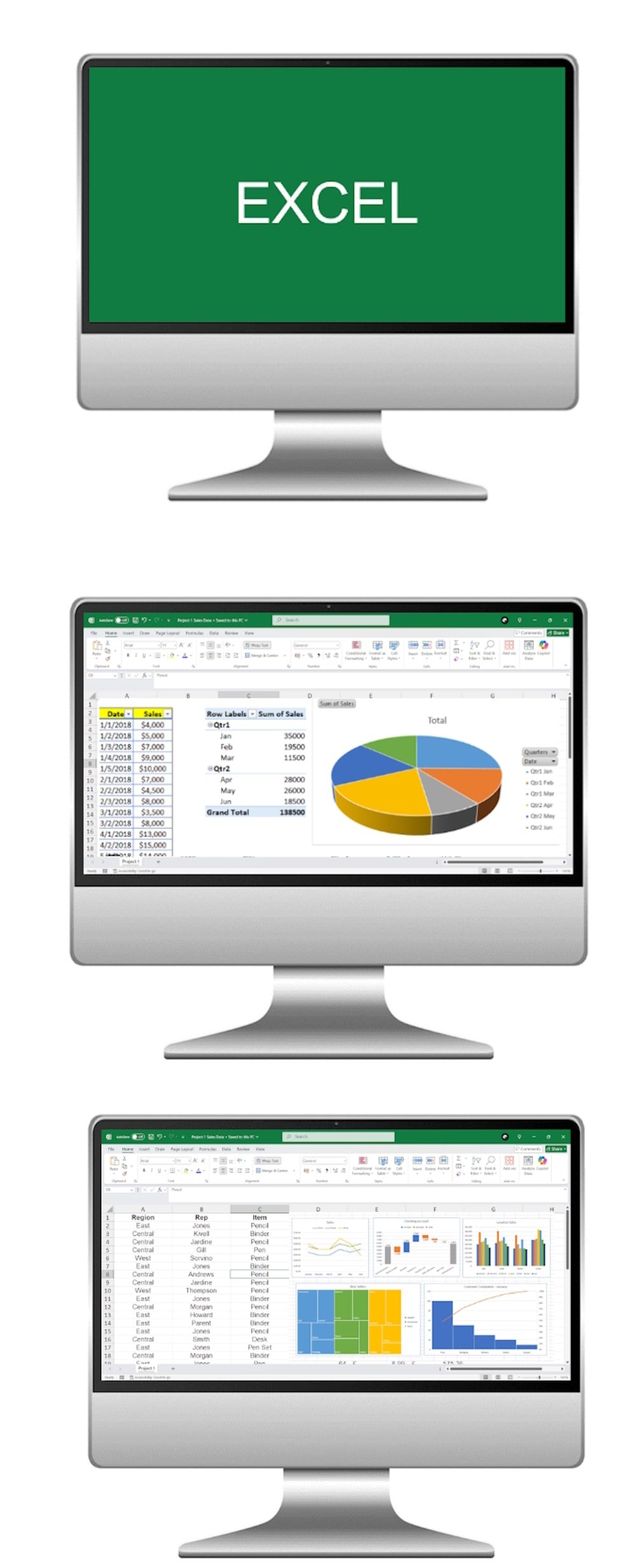
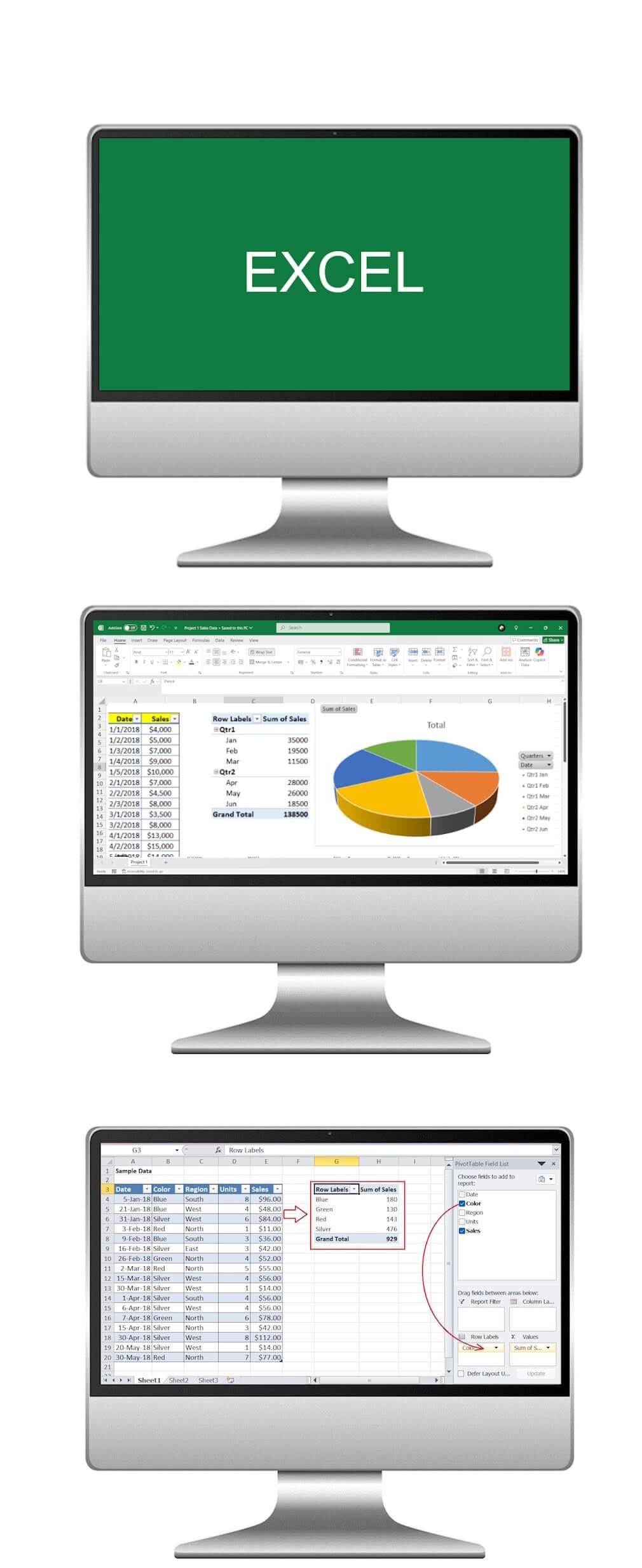
Learn the basics of creating bar charts, pie charts, and line graphs to transform raw data into clear visuals. Explore how AI tools can recommend the most effective chart type, auto-format visuals, and highlight key trends in your data for smarter decision-making.
Join us on this AI-powered learning journey to kickstart your Excel proficiency and harness the combined power of spreadsheets and intelligent automation to improve data management and analysis.
The Microsoft Excel course was a transformative experience, providing a comprehensive and practical education that significantly enhanced my proficiency in data analysis, visualisation, and spreadsheet management.