Microsoft 365 AI, 7 levels

Microsoft Power BI courses
in Cardiff, in-house or online.

Power BI training from your first dashboard to expert DAX, plus courses for government and NHS teams.

Levels
7 courses
Duration
1 day each
Price
£375 per person
Next public date
5 October 2026
// Course levels

Choose your level.

Each level is a one-day course. Pick a level to see what it covers and book a public date.

Beginner level

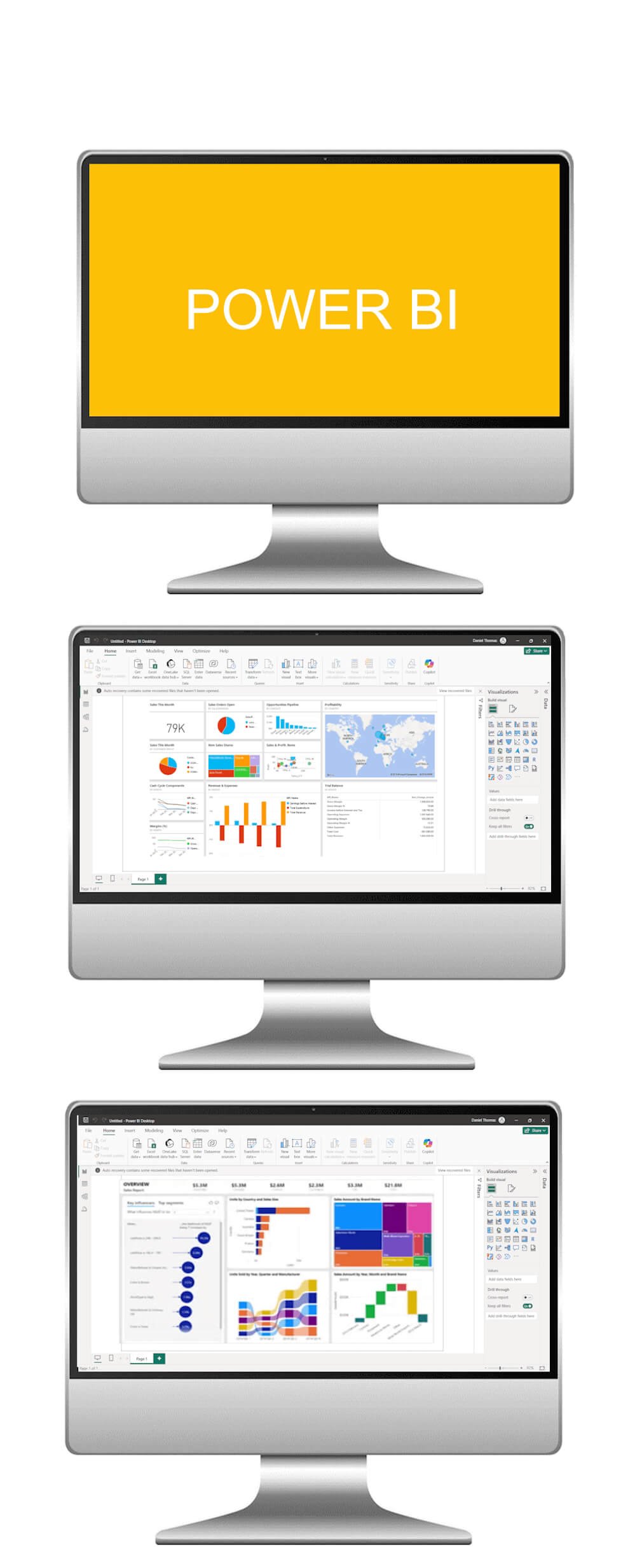
Microsoft Power BI Beginner course

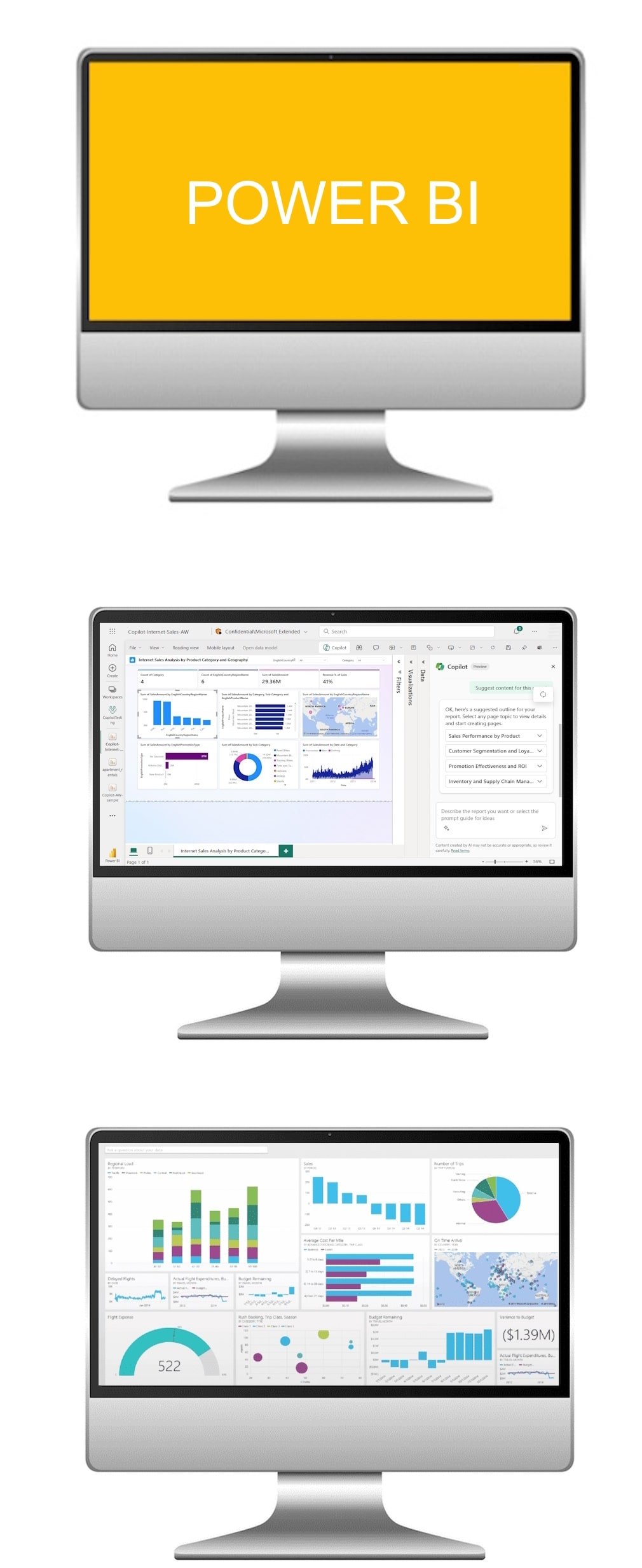
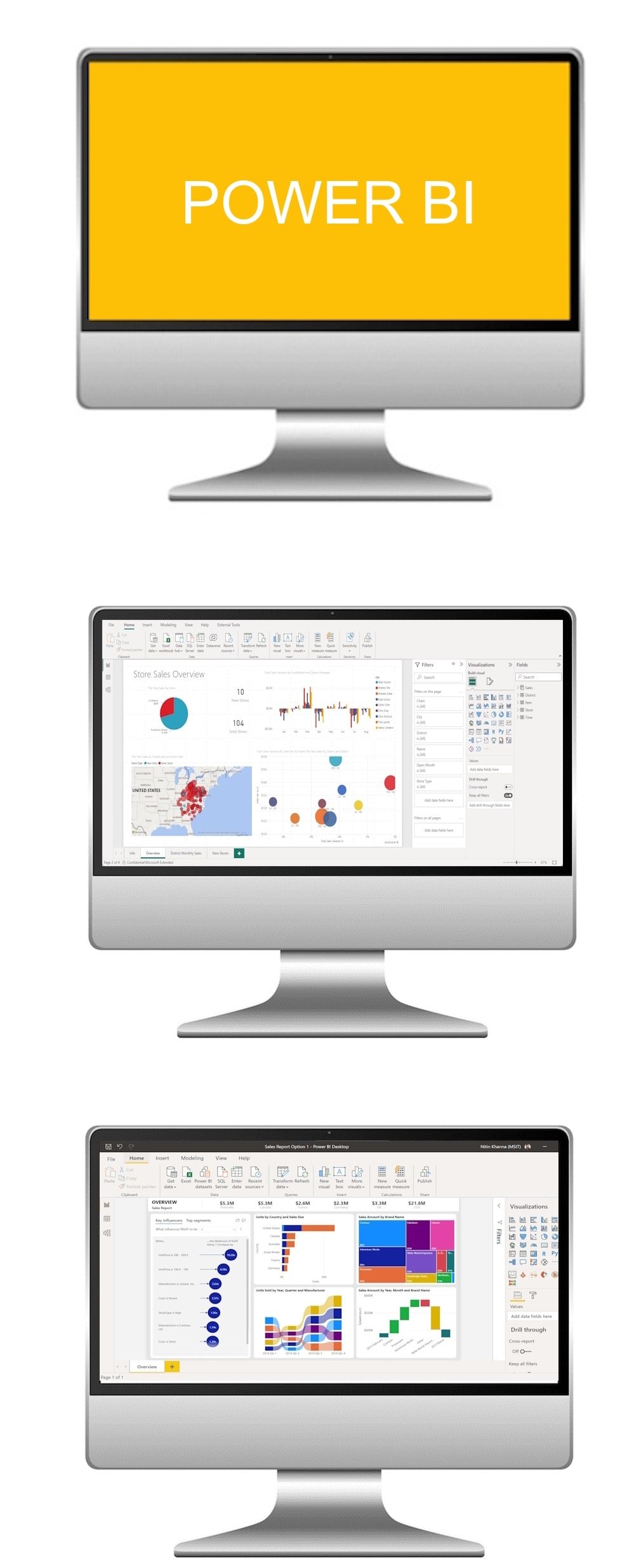
Embark on your data visualisation journey with our Microsoft Power BI Beginner AI Course. Tailored for beginners, this course provides a comprehensive introduction to Power BI, empowering participants to create compelling and insightful dashboards for effective data analysis and reporting.
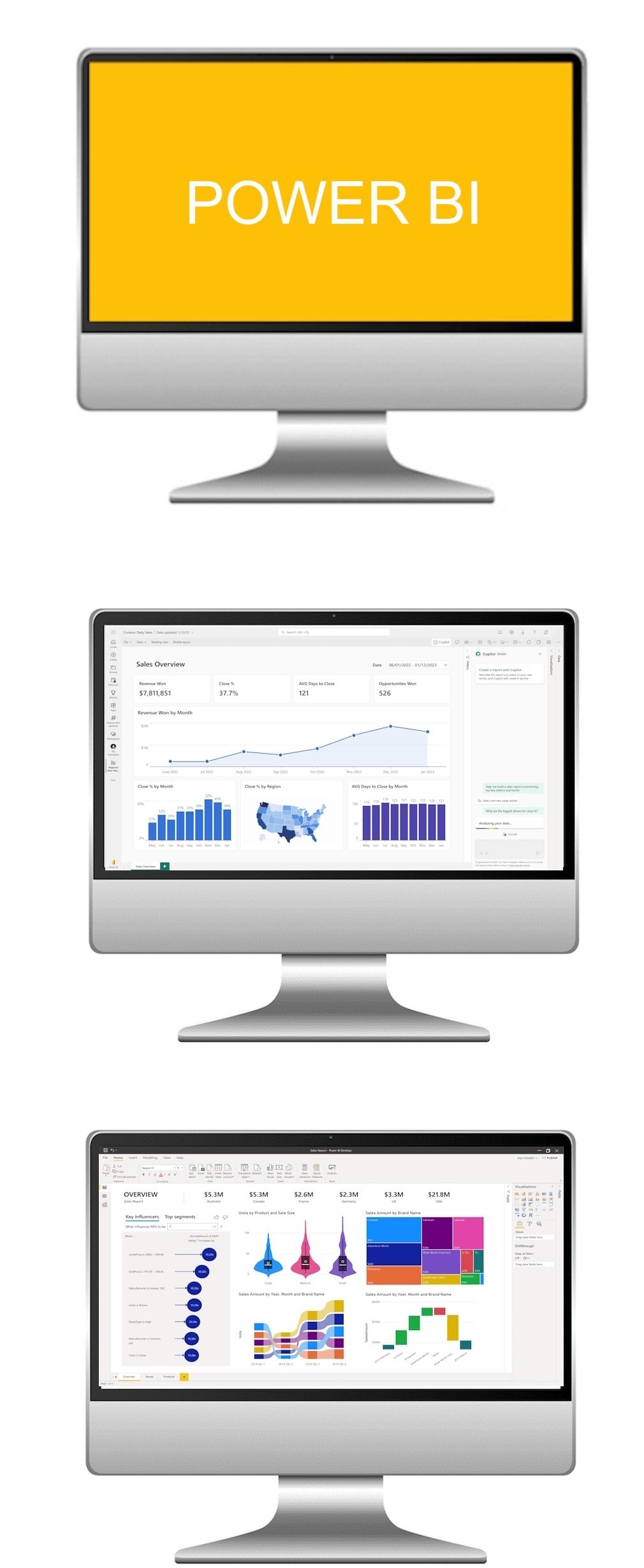
Microsoft Power BI Beginner course

What the course covers

  1. Module 1

    Introduction to Power BI Interface

    Gain a solid understanding of the Power BI interface, covering topics such as data loading, transforming data, and creating basic visualisations, ensuring participants can confidently navigate and utilise the essential features of Power BI.

  2. Module 2

    Basic Data Modelling and Relationships

    Learn the fundamentals of data modelling in Power BI, including establishing relationships between tables, creating calculated columns, and optimising data models, enabling participants to structure and analyse data effectively for visualisation.

  3. Module 3

    Dashboard Creation and Visualisation

    Dive into the creation of dashboards and visualisations in Power BI, covering features such as charts, maps, and tables, allowing participants to present data in a visually compelling and meaningful way. Join us to kickstart your proficiency in Microsoft Power BI and enhance your data analysis and reporting skills.

The Microsoft Power BI AI Course provided a comprehensive and practical education, equipping me with valuable skills to use the full potential of Power BI for data analysis, visualisation, and business intelligence.
Amanda S., HR Analyst
Intermediate level

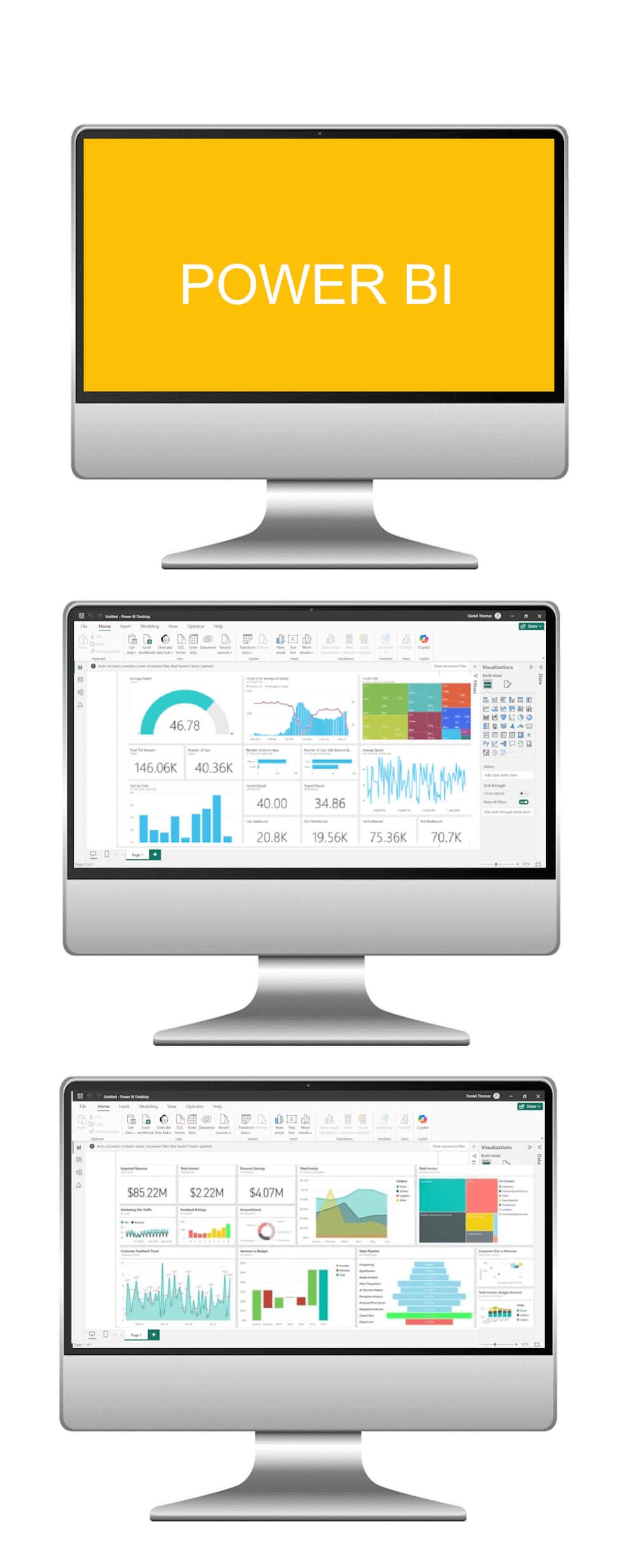
Microsoft Power BI Intermediate course

Elevate your data analytics proficiency with our Microsoft Power BI Intermediate AI Course. Designed for individuals with a basic understanding of Power BI, this course delves into advanced features, data transformations, and advanced visualisation techniques, empowering participants to optimise their data analysis and reporting capabilities.

Microsoft Power BI Intermediate course

What the course covers

  1. Module 1

    Advanced Data Transformations

    Explore advanced data transformation techniques in Power BI, covering topics such as DAX (Data Analysis Expressions) functions, data shaping, and data cleansing, allowing participants to refine and prepare data for more sophisticated analysis.

  2. Module 2

    Advanced Visualisation Techniques

    Delve into advanced visualisation features in Power BI, including custom visuals, drill-through actions, and complex interactivity, enabling participants to create dynamic and impactful dashboards for comprehensive data exploration.

  3. Module 3

    Data Analysis with DAX

    Learn to use the full potential of DAX for data analysis in Power BI, covering advanced calculations, time intelligence functions, and row-level security, ensuring participants can perform complex analyses and gain valuable insights from their data.

The Microsoft Power BI course was an exceptional learning experience, offering a well-structured curriculum that demystified complex data analytics concepts, empowering me with the expertise to create insightful and visually compelling reports.

Jamie T., Data Entry Supervisor
Advanced level

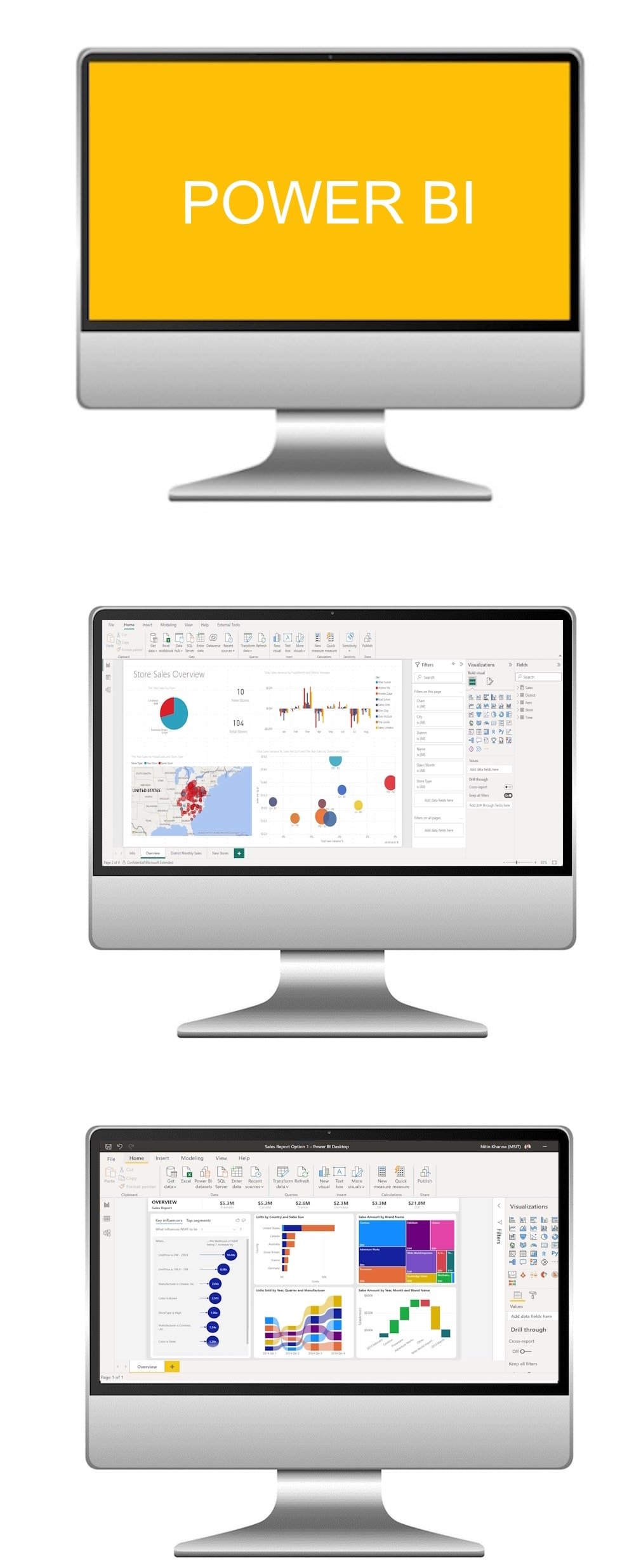
Microsoft Power BI Advanced course

Master the advanced capabilities of Microsoft Power BI with our Advanced AI Course. Tailored for experienced users, this course delves into complex data modelling, advanced DAX functions, and dynamic reporting, empowering participants to become proficient in using Power BI for intricate data analytics and impactful business intelligence.

Microsoft Power BI Advanced course

What the course covers

  1. Module 1

    Advanced Data Modelling Techniques

    Explore advanced data modelling principles in Power BI, covering topics such as star schema, hierarchies, and row-level security, ensuring participants can design robust and efficient data models for complex business scenarios.

  2. Module 2

    Advanced DAX (Data Analysis Expressions) Functions

    Dive deep into advanced DAX functions, including statistical functions, time intelligence, and custom measures, allowing participants to perform sophisticated calculations and analyses within Power BI.

  3. Module 3

    Dynamic Reporting and Power BI Service

    Learn to create dynamic and interactive reports in Power BI, covering features such as bookmarks, drillthrough actions, and report publishing to the Power BI Service, enabling participants to deliver compelling insights and collaborate effectively with stakeholders.

The Microsoft Power BI AI Course exceeded my expectations, delivering a thorough understanding of Power BI's capabilities and functionalities, providing me with the tools and knowledge to transform raw data into actionable insights and drive informed decision-making.

Rizwan A., Data Reporting Lead
Expert level

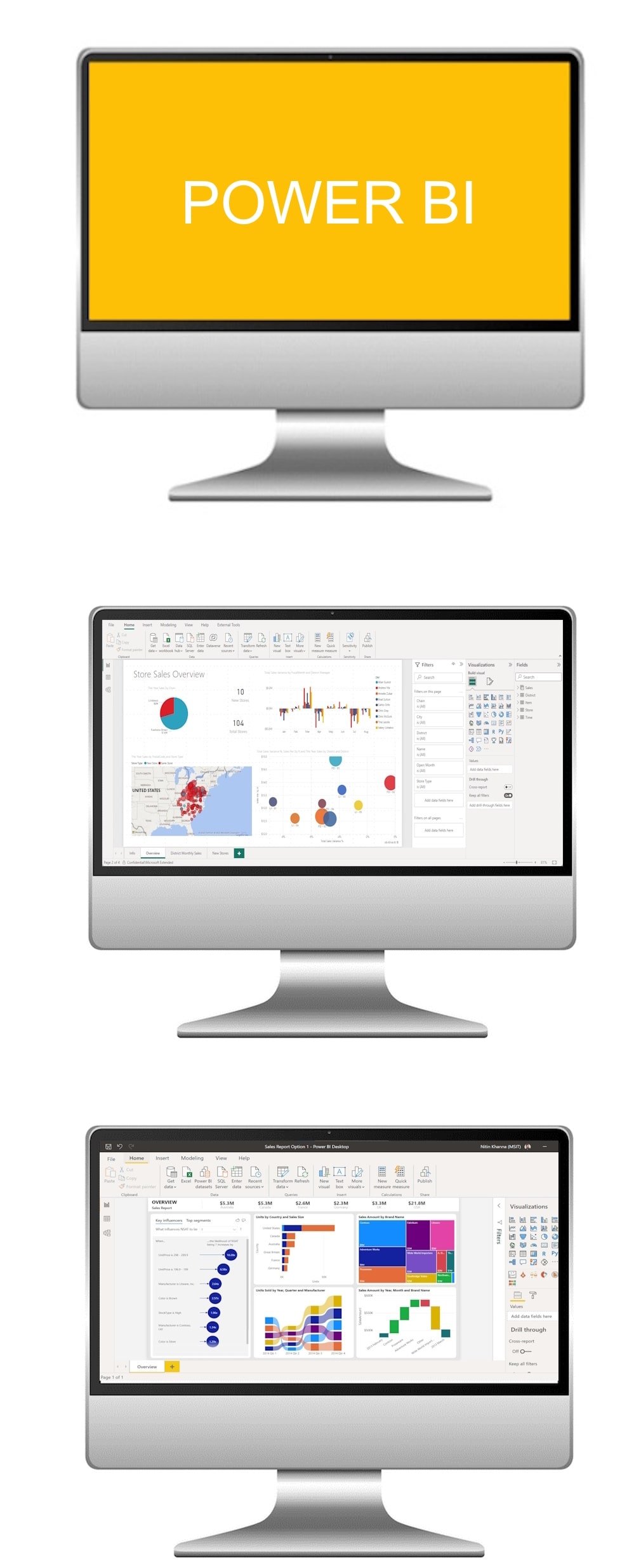
Microsoft Power BI Expert course

This advanced in-house course is designed for professionals who want to become Power BI experts and lead on data-driven decision-making within their organisation. You will learn to model complex datasets, build dynamic reports, and implement best practices for performance and governance. Ideal for those already familiar with Power BI basics, this course will help you master powerful tools for transforming and visualising data at scale.

Microsoft Power BI Expert course

What the course covers

  1. Module 1

    Advanced Data Modelling and DAX

    Dive deep into data relationships, calculated columns, and measures using advanced DAX functions. You will learn how to optimise your data model for performance and accuracy across complex datasets.

  2. Module 2

    Interactive Reports and UX Design

    Design visually compelling and user-friendly reports with drillthrough, bookmarks, custom visuals, and responsive layouts. This module focuses on building reports that are both insightful and intuitive for users.

  3. Module 3

    Data Governance, Security, and Deployment

    Implement Row-Level Security (RLS), workspace management, and publishing best practices. Gain the confidence to manage Power BI content securely across your organisation.

The Power BI Expert course gave me the skills I needed to take control of our business data. I learned how to build professional dashboards, use DAX properly, and connect complex data sources. The trainer was knowledgeable, supportive, and great at explaining tricky concepts. I now feel like a Power BI pro!

Nina F., BI Developer
Data Analyst level

Microsoft Power BI Data Analyst course

This in-house course is designed for data professionals ready to take their Power BI skills to the next level. Focusing on deeper analytical techniques, data storytelling, and enterprise-level functionality, this course empowers analysts to turn complex data into clear, actionable insights. It's ideal for those already comfortable with Power BI and looking to deliver greater business value through advanced analysis and reporting.

Microsoft Power BI Data Analyst course

What the course covers

  1. Module 1

    Advanced Query and Data Transformation Techniques

    Unlock the full potential of Power Query by combining, shaping, and cleaning data from multiple sources. You will learn to build efficient data flows and apply complex transformations for reliable reporting.

  2. Module 2

    Deep Dive into DAX for Analysis

    Use advanced DAX measures, time intelligence, and calculated tables to perform in-depth data analysis. This module focuses on creating meaningful KPIs and metrics that drive business performance.

  3. Module 3

    Analytical Visuals and Data Storytelling

    Using advanced visuals, What-If parameters, and decomposition trees to enhance insights. You will also develop storytelling techniques that clearly communicate analytical findings to stakeholders.

This course was a game-changer. I already knew the basics of Power BI, but this took me into advanced territory, automating processes, writing efficient DAX measures, and visualising insights in a way that makes sense to stakeholders. I'm now seen as the go-to data person in my team.

Fiona K., Government Operations Analyst
Government level

Microsoft Power BI for Government course

This one-day, hands-on course is tailored for government and public sector staff who need to transform data into clear, actionable insights. Participants will learn how to connect to diverse data sources, build interactive dashboards, and apply advanced analytical techniques to support evidence-based decision making. The course is ideal for professionals who work with performance data, finance, compliance, or strategic reporting in the public sector.

Microsoft Power BI for Government course

What the course covers

  1. Module 1

    Power BI Fundamentals for Government

    In this module, participants will become familiar with the Power BI interface and ecosystem, learn how to connect to government data sources such as spreadsheets, CSVs, SQL databases, and cloud services, and carry out essential data cleaning and transformation using Power Query. The module also highlights best practices for managing sensitive and secure datasets within a public sector environment.

  2. Module 2

    Building Reports and Dashboards

    This module focuses on creating visualisations that support transparency and accountability, from charts and tables to KPIs for performance monitoring. Participants will design interactive dashboards suited to public reporting and explore how filters, slicers, and drill-through options can be used to analyse data at both high-level and detailed views.

  3. Module 3

    Advanced Analysis and Sharing

    The final module introduces DAX (Data Analysis Expressions) for custom calculations, explains how to use time intelligence for year-on-year and trend reporting, and demonstrates secure methods for publishing and sharing reports across government departments. Participants will also learn how to collaborate effectively while maintaining compliance and governance standards.

A practical and engaging one-day Power BI course, designed specifically for government and public sector professionals.

Bryony, Welsh local government organisation
NHS level

Microsoft Power BI NHS course

This one-day, hands-on course is tailored for NHS professionals who work with clinical, operational, or performance data. Participants will learn how to transform complex healthcare datasets into clear, interactive dashboards that support decision-making, service planning, and patient care improvements. The course is ideal for analysts, managers, and healthcare staff who need to build confidence in reporting and data visualisation within the NHS environment.

Microsoft Power BI NHS course

What the course covers

  1. Module 1

    Power BI Fundamentals in Healthcare

    This module introduces the Power BI interface and explores how to connect to common NHS data sources such as spreadsheets, CSVs, SQL databases, and clinical reporting systems. Participants will also learn how to clean and prepare data using Power Query, ensuring accuracy and consistency when working with sensitive healthcare information.

  2. Module 2

    Creating Reports and Dashboards

    Participants will learn to design dashboards that visualise key NHS performance indicators, from waiting times and patient flow to financial and staffing metrics. This module demonstrates how to create interactive reports with charts, tables, and slicers that allow staff to drill down into specific service areas for deeper insights.

  3. Module 3

    Advanced Analysis and Sharing

    The final module covers the use of DAX (Data Analysis Expressions) for advanced calculations and introduces time intelligence functions for trend and year-on-year analysis. Participants will also explore how to securely publish and share dashboards across NHS teams, ensuring collaboration while adhering to strict data governance and compliance standards.

A focused and practical one-day Power BI course designed for NHS staff to unlock the power of healthcare data and improve patient outcomes.

Kim, NHS Wales
// Who these courses are for

Who these courses are for.

These Microsoft Power BI courses are tailored for individuals at varying proficiency levels, whether you are a beginner initiating your journey into data visualisation, an intermediate learner aiming to enhance data analysis and visualisation techniques, or an advanced professional ready to master complex data modelling and DAX functions. Ideal for businesses, analysts, and professionals across diverse industries, these courses provide practical skills to efficiently use Power BI for comprehensive data analytics and impactful business intelligence. Join us to unlock the full potential of Power BI and contribute to data-driven decision-making.

Dive into the world of business intelligence with our Microsoft Power BI AI Course, where you will gain proficiency in data analysis, visualisation, and reporting, enabling you to make informed decisions and drive success in your organisation.

In-house training delivered at a client's workplace

Run this course for your team

We can deliver Microsoft Power BI at your workplace, or live online. Private courses use examples from your own work, run on dates that suit you, and every delegate gets a course pack. There are no hidden costs.

Ask about an in-house course →
// Common questions

Frequently asked questions.

Which level should I choose?
We run 7 one-day Microsoft Power BI courses: Beginner, Intermediate, Advanced, Expert, Data Analyst, Government and NHS. Beginner: new to the software. Intermediate: know the basics. Advanced: confident users. Expert: power users. Data Analyst: analyse and present data. Government: public sector teams. NHS: nhs and healthcare teams. If you're unsure, contact us and we'll recommend the right starting point.
How much do the courses cost?
Each course runs for one day and public places are £375 per person. Private courses for your team are quoted on request.
Can you run these courses for our team at our workplace?
Yes. We deliver in-house at your offices in Cardiff, across Wales and throughout the UK, for groups from one to over fifty people, with exercises based on your own work.
Are the courses available online?
Yes. Every level can run as a live, trainer-led online session.
Can we combine levels into a programme?
Yes. Many teams take two or more levels back to back, or mix levels across a department after a short skills review.
// Get started

Tell us what your team needs to learn.

A short call is enough for us to recommend a course or put together a programme and a quote.