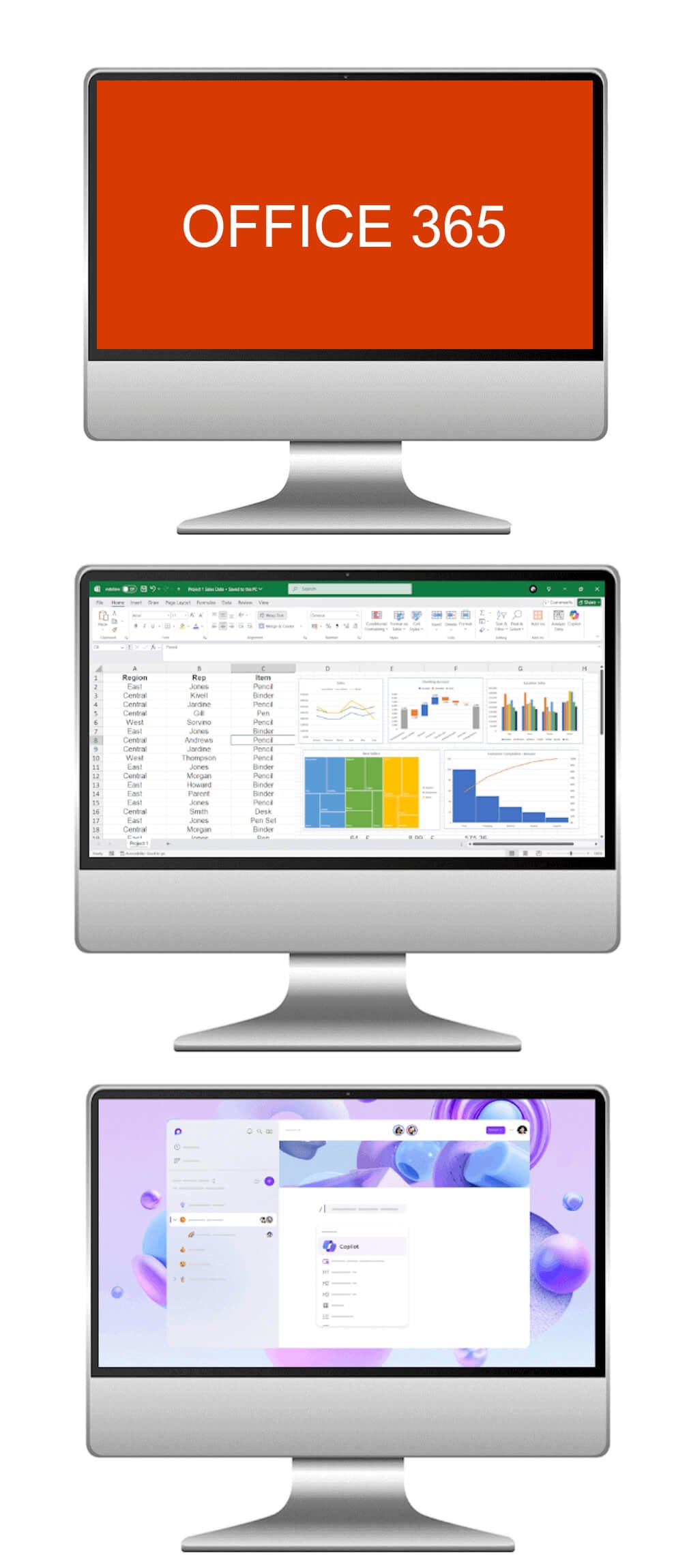
Microsoft 365 AI, 1 day course

Microsoft Office 365 with AI course
in Cardiff, in-house or online.

Get more from the Microsoft 365 apps and their AI features: create, collaborate and automate.

Duration
1 day
Price
£195 per person
Next public date
5 October 2026
Delivery
Cardiff, in-house or online
Book this course
£195per person

1 day, trainer-led and hands-on

Choose a public date
Request a place → Book a private course for your team
  • Run in-house at your workplace
  • Also available live online
  • Hands-on exercises throughout
// About this course

Microsoft Office 365 with AI in practice.

Step into the future of workplace productivity with our Microsoft Office 365 AI Course. Perfect for beginners, this course introduces you to the essential apps of Office 365, Word, Excel, Outlook, and more, while also showing you how AI-powered tools are transforming the way we create, collaborate, and communicate. Whether drafting smarter documents, automating tasks, or working in real-time with colleagues across the globe, this course will set you on the path to becoming an AI-empowered Office 365 user.

Who this course is for

These Microsoft Office 365 courses cater to individuals across diverse professional backgrounds, whether you are a beginner aiming to initiate your journey into productivity tools, an intermediate learner seeking advanced features and collaboration skills, or an advanced professional ready to master automation, data analysis, and security measures within Office 365. Ideal for businesses, professionals, and organisations in various industries, these courses provide tailored expertise to enhance productivity, collaboration, and data management using Microsoft Office 365. Join us to unlock the full potential of Office 365 for streamlined workflows and effective collaboration.

Microsoft Office 365 training
// Course outline

What the course covers.

  1. Module 1

    Introduction to Office 365 Apps

    Get hands-on with the Office 365 essentials, Word, Excel, and Outlook. Learn how AI can suggest text, correct mistakes, and provide smart formatting tips, helping you produce professional documents, manage data effortlessly, and communicate with clarity.

  2. Module 2

    Collaborative Features

    Discover the power of real-time collaboration with Office 365. From co-authoring documents and sharing files with OneDrive to managing shared calendars in Outlook, participants will experience how AI enhances teamwork by suggesting next steps, summarising discussions, and keeping projects on track.

  3. Module 3

    Introduction to Office 365 Administration

    Learn how to personalise and manage your Office 365 environment. Covering account settings, user management, and security features, this module also explores how AI helps safeguard data, detect unusual activity, and streamline everyday admin tasks.

// Why attend

Why teams take this course.

// In-house training

Run this course for your team

We can deliver Microsoft Office 365 with AI at your workplace, or live online. Private courses use examples from your own work, run on dates that suit you, and every delegate gets a course pack. There are no hidden costs.

Ask about an in-house course →
In-house training delivered at a client's workplace
// Common questions

Frequently asked questions.

How long is the course and how much does it cost?
The Microsoft Office 365 with AI course runs for one day. Public course places are £195 per person. Private courses for your team are quoted on request.
Do I need any previous experience?
No. The course is designed to suit beginners, and experienced users pick up time-saving AI features too.
Can you run this course for our team at our workplace?
Yes. We deliver this course in-house at your offices in Cardiff, across Wales and throughout the UK, for groups from one to over fifty people, with examples tailored to your work.
Is the course available online?
Yes. We can run it as a live, trainer-led online session, so teams across different sites can take part together.
How do I book a place?
Choose a date and select Request a place, or contact us. We will confirm availability and send joining details.
// Get started

Tell us what your team needs to learn.

A short call is enough for us to recommend a course or put together a programme and a quote.